
Workflow Workers That Scale to Zero, Then Fail Loudly
Your workflow worker has a typo on line 3. It throws before it can claim a single run from the queue. The supervisor respawns it. It throws again. The queue fills up. Nothing runs. You find out hours later when someone asks why their password-reset email never arrived.
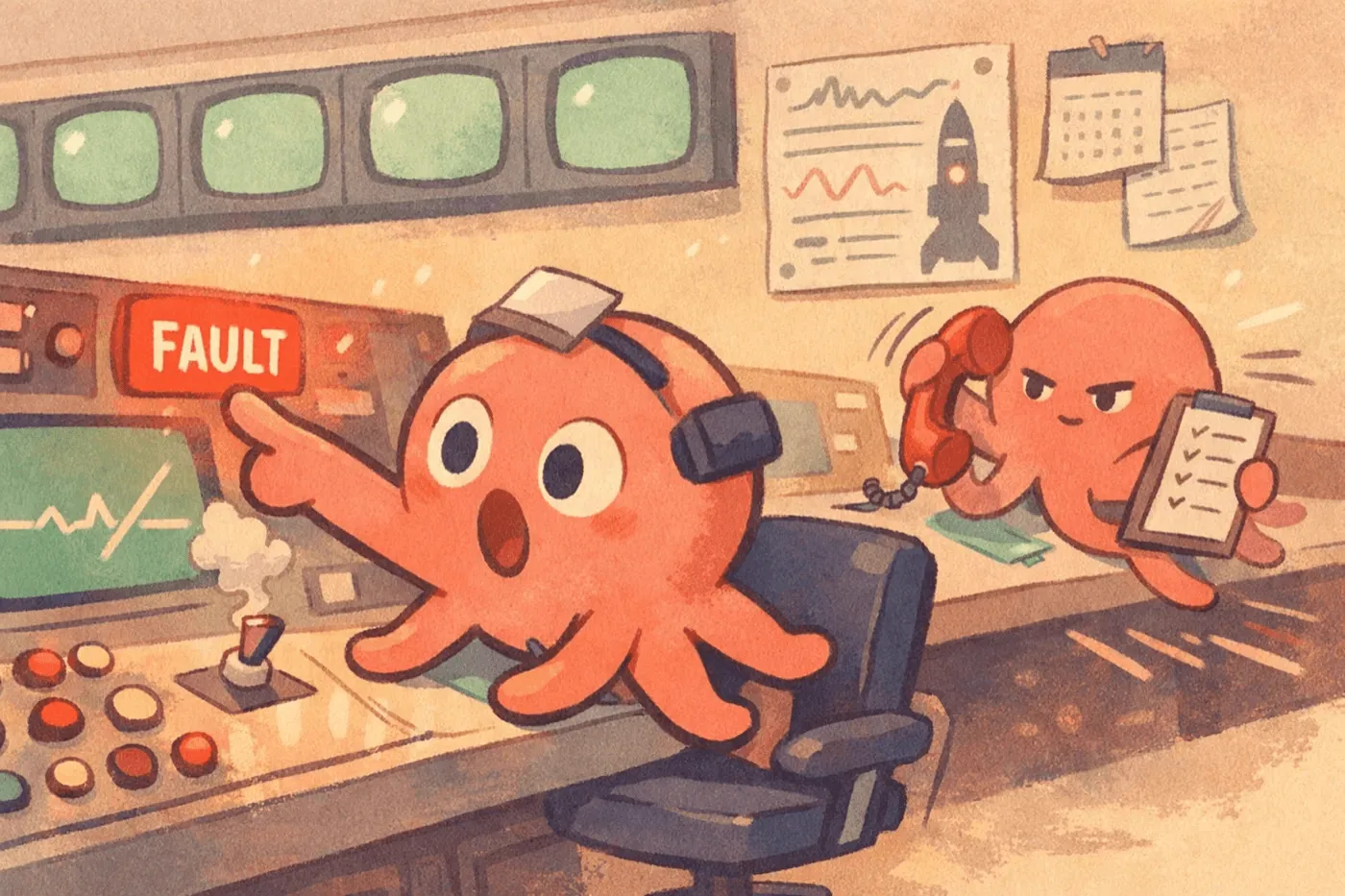
That’s the failure mode we just closed. Tako’s workflow workers are scale-to-zero by default — no worker running until the first enqueue or cron tick — and when one exits non-zero before claiming any runs, the supervisor marks the app unhealthy and the next workflow.enqueue() returns an error. No silent queueing, no phantom crash loop.
The lifecycle
Workers track two signals: idle time (since the last claim) and claim count (since spawn). The supervisor treats those two signals differently on exit.

A clean idle-out (exit code 0 after at least one successful claim) is just the normal scale-to-zero path — the next enqueue spins a fresh worker. A cold crash (non-zero exit before any claim) is a bootstrap failure: the worker never got far enough to do real work, so respawning it is pointless and would hide the bug. The supervisor flips the app into an unhealthy cooldown, and the pre-enqueue health check rejects the next enqueue call with the actual exit reason.
Why dev and prod share one supervisor
The same WorkerSupervisor runs workers under tako dev and in production. A unified env contract — concurrency, idle timeout, secrets on fd 3, the enqueue socket path — means a workflow that boots under tako dev boots the same way on a VPS. No “works in dev, broken in prod” drift from two subtly different spawners.
In dev, the worker is a subprocess of the embedded dev-server, and its stdout/stderr stream into your terminal alongside HTTP logs. When a bootstrap import throws, you see the stack trace immediately, then you see the next enqueue fail loudly with the same error. Fix the typo, save, re-run the enqueue — no restart needed.
Current Production Configuration
Scale-to-zero is the current production behavior. Nothing is required beyond the app and its workflow files:
# tako.toml
name = "my-app"
A workflow file in src/workflows/ is enough — tako dev and tako deploy pick it up automatically. Production currently supervises one lane per app, starts it when work becomes runnable, and lets it exit after five idle minutes. The config parser accepts workers, concurrency, named groups, and per-server overrides, but those values do not yet control the production supervisor. See tako.toml for that status and the Workflows reference for execution guarantees.
What the user sees
Before the cooldown existed, a broken workflow meant silent accumulation. Rows piled up in workflows.sqlite. The supervisor tried to be helpful and respawned the worker. Your logs filled with identical stack traces. Eventually someone noticed nothing was running.
Now, the first enqueue after a cold crash returns worker unhealthy: worker exited with status 1 after 84ms without claiming any runs. That’s the error your HTTP handler gets back from sendEmail.enqueue(), not a 500 from a crashed worker you never saw. The cooldown clears automatically once a worker claims a run — so a transient startup issue (a slow import, a cold filesystem) doesn’t lock you out permanently.
Same ethos as the rest of Tako: cold starts are fast, failures are loud, nothing hides. Check the docs to see the whole stack, or the CLI reference for the commands.