
Why Tako Ships an SDK
Most deploy tools are infrastructure-only. They move your code to a server, maybe configure a reverse proxy, and call it a day. What happens inside your app process is your problem.
We think that’s leaving a lot on the table.
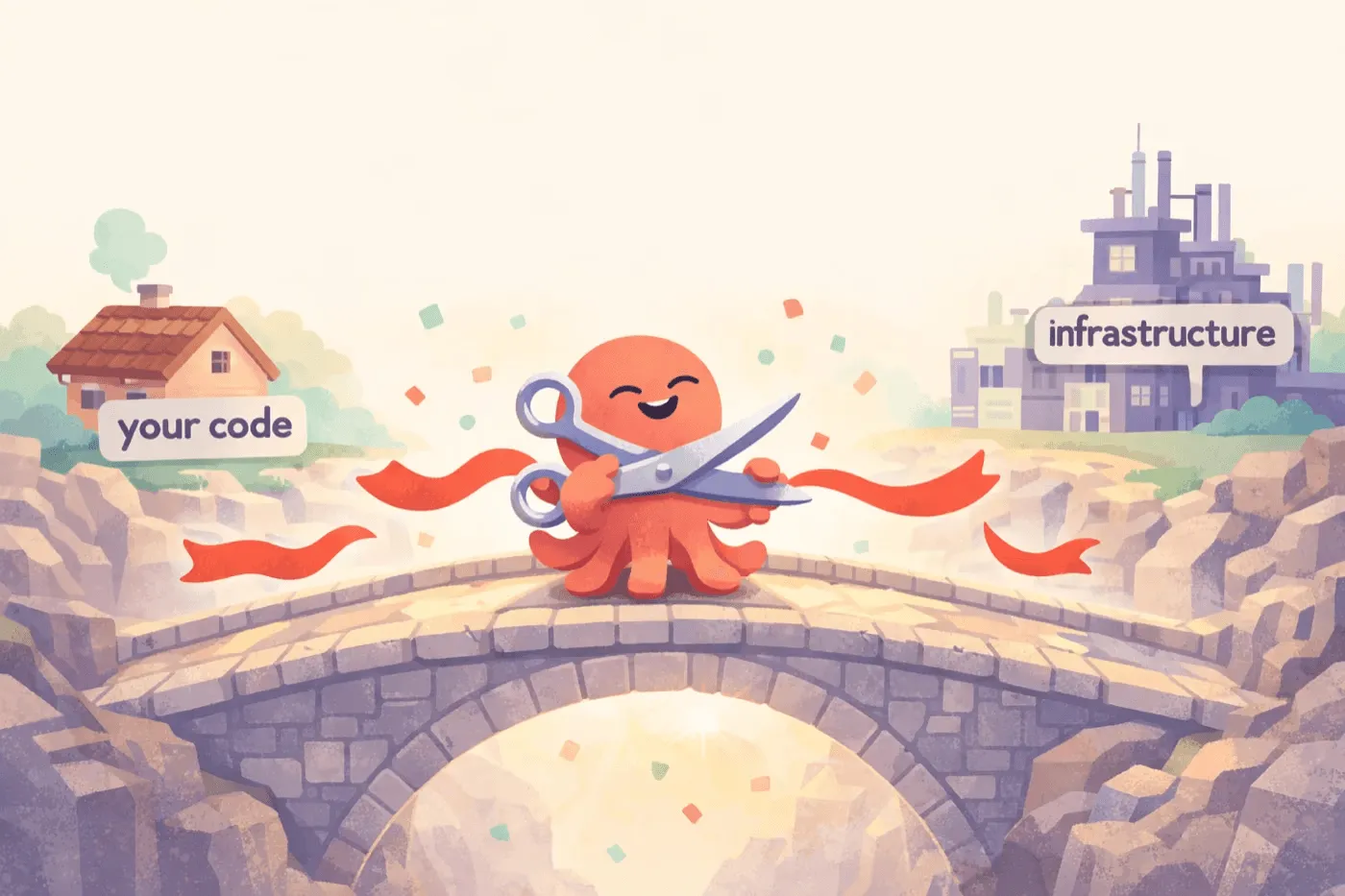
Tako ships an SDK — tako.sh for JavaScript/TypeScript, tako.sh for Go — because the interesting problems in deployment happen at the boundary between infrastructure and application code. Readiness signaling, secret injection, health checks, graceful shutdown. These aren’t app concerns or infra concerns. They’re both.
What the SDK Actually Does
The SDK is thin. Your app exports a fetch handler, and the SDK turns it into a running server:
// index.ts — that's it, that's your app
export default function fetch(request: Request): Response {
  return new Response("Hello from Tako");
}
Under the hood, the SDK handles everything between your code and the infrastructure:
| Concern | Without SDK | With Tako SDK |
|---|---|---|
| Server binding | You configure host/port, pick a framework | SDK binds to an OS-assigned port automatically |
| Readiness signal | Infra polls a TCP port and hopes for the best | App signals TAKO:READY when actually ready |
| Health checks | You build a /health endpoint | Built-in /status endpoint with uptime, version, instance ID |
| Secrets | .env files or external secret managers | Injected via fd 3 before your code runs, auto-redacted on log |
| Graceful shutdown | You handle SIGTERM yourself | SDK drains in-flight requests, then exits cleanly |
| Runtime portability | Locked to one runtime’s HTTP API | Same fetch() signature across Bun and Node |
The Readiness Problem
This is the big one. Most deploy tools check health by poking a TCP port — if the socket accepts connections, the app must be ready. But that’s not true. Your server might be listening while still loading config, warming caches, or running migrations.
Tako’s approach is different. The SDK signals readiness explicitly:

The new instance writes TAKO:READY:<port> to stdout only after it has read secrets, imported your code, and bound to a port. The server waits for that signal, runs a health probe, and only then adds the instance to the load balancer. No dropped requests, no 502s.
Secrets That Don’t Leak
Secrets deserve special mention. Tako encrypts secrets with AES-256-GCM and stores them in your repo. At deploy time, the server passes them to your app through file descriptor 3 — not environment variables, not files on disk.
The SDK reads fd 3 before importing your code, then exposes secrets through a Proxy that redacts itself. tako generate emits a project-local tako.d.ts that types tako.secrets from tako.sh:
import { tako } from "tako.sh";

tako.secrets.DATABASE_URL; // → "postgres://..."
console.log(tako.secrets); // → "[REDACTED]"
JSON.stringify(tako.secrets); // → "\"[REDACTED]\""
Accidental logging? Handled. Serialization into error reports? Handled.
Same Code, Dev and Prod
One of the quieter benefits: tako dev runs your app through the exact same SDK entrypoint as production. Same fetch handler wrapping, same readiness protocol, same health endpoint. The only differences are the ones you’d expect — local HTTPS on .test instead of your production domain, debug log level by default.
This means if your app starts correctly in dev, it starts correctly in production. No “works on my machine” surprises from a different server setup.
The Real Reason: What Comes Next
Everything above is useful today. But the deeper reason we ship an SDK is what it unlocks tomorrow.
Without an SDK, a deploy tool can only manage processes from the outside — start, stop, route traffic. It has no way to coordinate with your application code. That’s fine for basic deploys, but it’s a dead end for anything more interesting.
With an SDK, we can add runtime capabilities that are type-safe, integrated, and impossible to bolt on from the outside:
- Background jobs — define a job handler in your code, trigger it from any request, let Tako manage the queue and retries server-side. No external job queue to run.
- Durable workflows — long-running, resumable workflows where Tako persists state across steps. Your code defines the steps, the SDK handles checkpointing and recovery.
- Scheduled tasks — cron-like tasks declared in code, executed by the server. Type-safe, version-deployed, no separate cron service.
- Durable channels — WebSocket/SSE routes for connected browsers, plus bounded replay for reconnects. JavaScript apps keep the file-based shape:
channels/for durable realtime. The SDK handles connection lifecycle, auth, and message typing.
Each of these features needs both sides of the equation: server-side infrastructure and application-level integration. A deploy tool without an SDK would need you to bring your own job queue, your own workflow engine, your own scheduler. The SDK is what lets Tako offer these as built-in primitives — type-safe, zero-config, and deployed alongside your app.
This is where Tako is headed. The SDK is small today because we’re building the foundation carefully. But it’s the surface area that will grow the most.
A Thin Layer, Not a Framework
The SDK is not a framework. It doesn’t have a router, an ORM, or opinions about how you structure your app. It’s a ~200-line bridge between your fetch handler and Tako’s infrastructure. You can use any framework you want — Hono, Elysia, Express, or just raw Request/Response.
The entire public API is one type (FetchHandler) and one class (Tako) with a handful of static methods. If you ever want to leave Tako, removing the SDK is a one-line change — export your fetch handler differently and bring your own server.
We think the best infrastructure is the kind that knows just enough about your app to do its job well — and nothing more. That’s why Tako ships an SDK.
Check out the docs to get started, or read more about how Tako works under the hood.