
The Dev Daemon: Why tako dev Is Just a Client
Most “dev mode” commands are watcher scripts. They spawn your app as a child process, tail its stdout, and when you hit Ctrl+c everything dies together. The shell tab IS the dev environment.
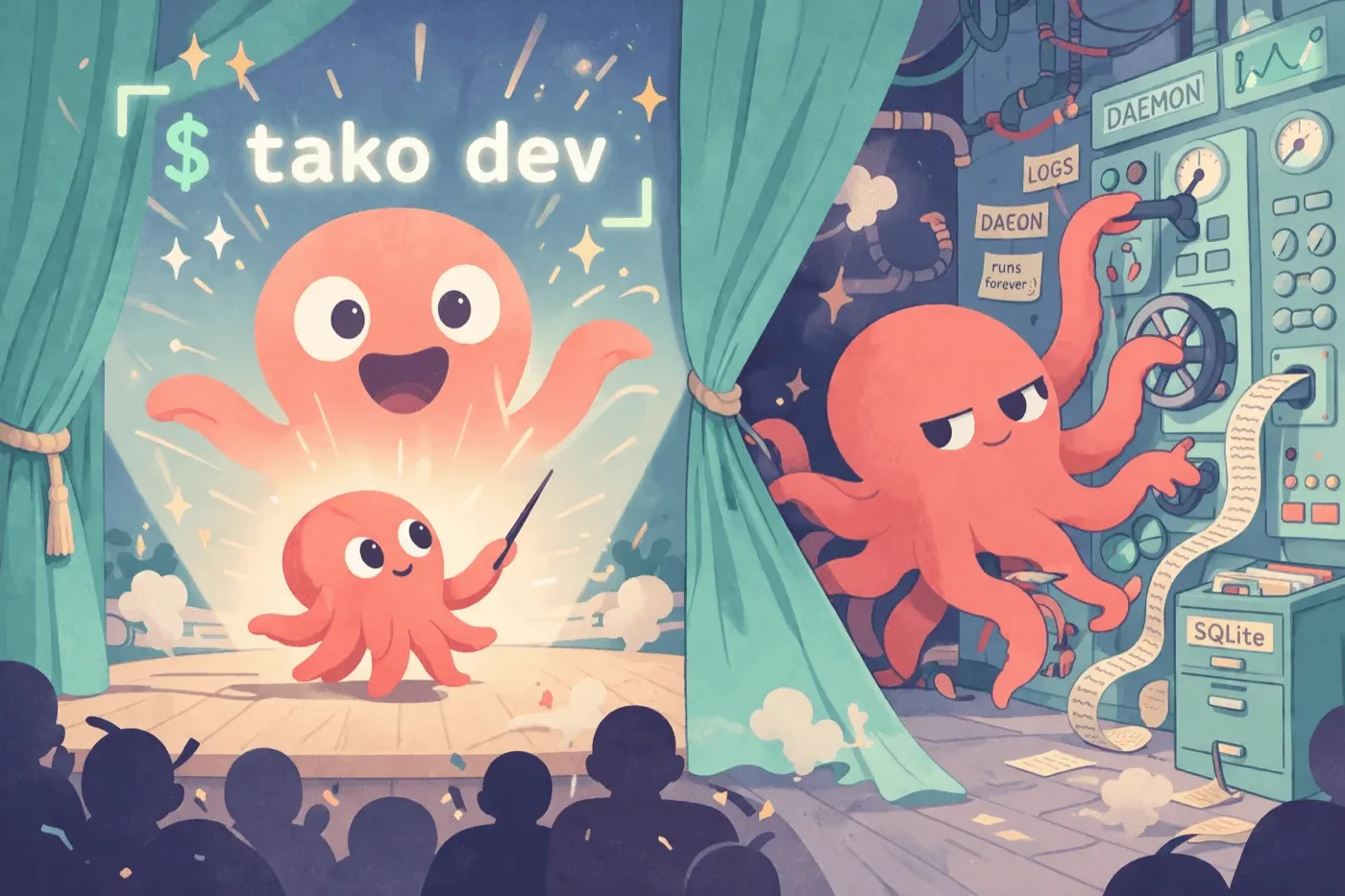
tako dev doesn’t work like that. It’s a thin client that talks to a long-running daemon. The daemon owns your app process, your logs, your routes, and your TLS. The CLI is just the friendly face you see in the terminal — pay no attention to the daemon behind the curtain.
What lives where
When you run tako dev, the CLI does almost nothing interesting. It checks that the daemon is up (spawns it if not), registers your selected tako.toml with it, then opens a stream and starts rendering log lines. That’s it.
| Concern | Daemon (tako-dev-server) | CLI (tako dev) |
|---|---|---|
| App processes | Spawn, supervise, restart | — |
| HTTPS termination | Local CA + SNI cert select | — |
| Routing | Host-header proxy | — |
DNS for *.test | Local resolver on :53535 | — |
| Log persistence | Shared per-app stream | — |
| Registry | SQLite at dev-server.db | — |
| Header + log render | — | Pretty-print stream to terminal |
| Keystrokes | — | Send restart/stop to daemon |

Two terminals tailing the same app see the same log stream because the daemon is the source of truth. Close one — the other keeps going. Close both — the daemon keeps your app running.
The shape this gives you
Because the daemon outlives any single CLI, four things become natural:
Background a session. Press b and the CLI exits. The daemon keeps the process alive, keeps the routes registered, keeps the logs flowing into the file. Run tako dev again later (today, tomorrow) and you reattach to the same session — header reprinted, scrollback replayed, status restored.
Run multiple apps at once. Each tako.toml path is a unique key in the registry. Open one terminal in your frontend project, another in your API project — both register with the same daemon, both get their own {app}.test route, both serve traffic concurrently. No port juggling.
Wake on request. After 30 minutes of no attached CLI, an app transitions to idle — the process stops, but the route stays registered. The next HTTP request triggers a respawn, the daemon waits for it to be healthy, and forwards the request. Your laptop is quiet when you’re not using it; your URLs still work when you are.
Survive client crashes. If your terminal dies, your shell freezes, or you accidentally kill the wrong PID, the daemon doesn’t care. Your app keeps serving. Reopen a terminal, run tako dev, you’re back where you were.
Why we built it this way
The honest reason: process and log lifecycle are too important to live in a process the user might Ctrl+c at any moment. Watcher scripts work fine for one app and one terminal — they fall over the moment you want two terminals attached, or want to background a long-running session, or want a flaky shell to not take your dev environment down with it.
A daemon also gives us somewhere to put things that genuinely span apps: the proxy, the local DNS server, the .local LAN aliases, the local CA. Those are infrastructure, not per-app concerns. They belong in one place that knows about all your registered apps.
It’s the same architectural choice as production Tako, scaled down: a small, durable service that owns the messy parts so your code doesn’t have to. See the development docs for the full picture, or the CLI reference for every flag and keystroke.