
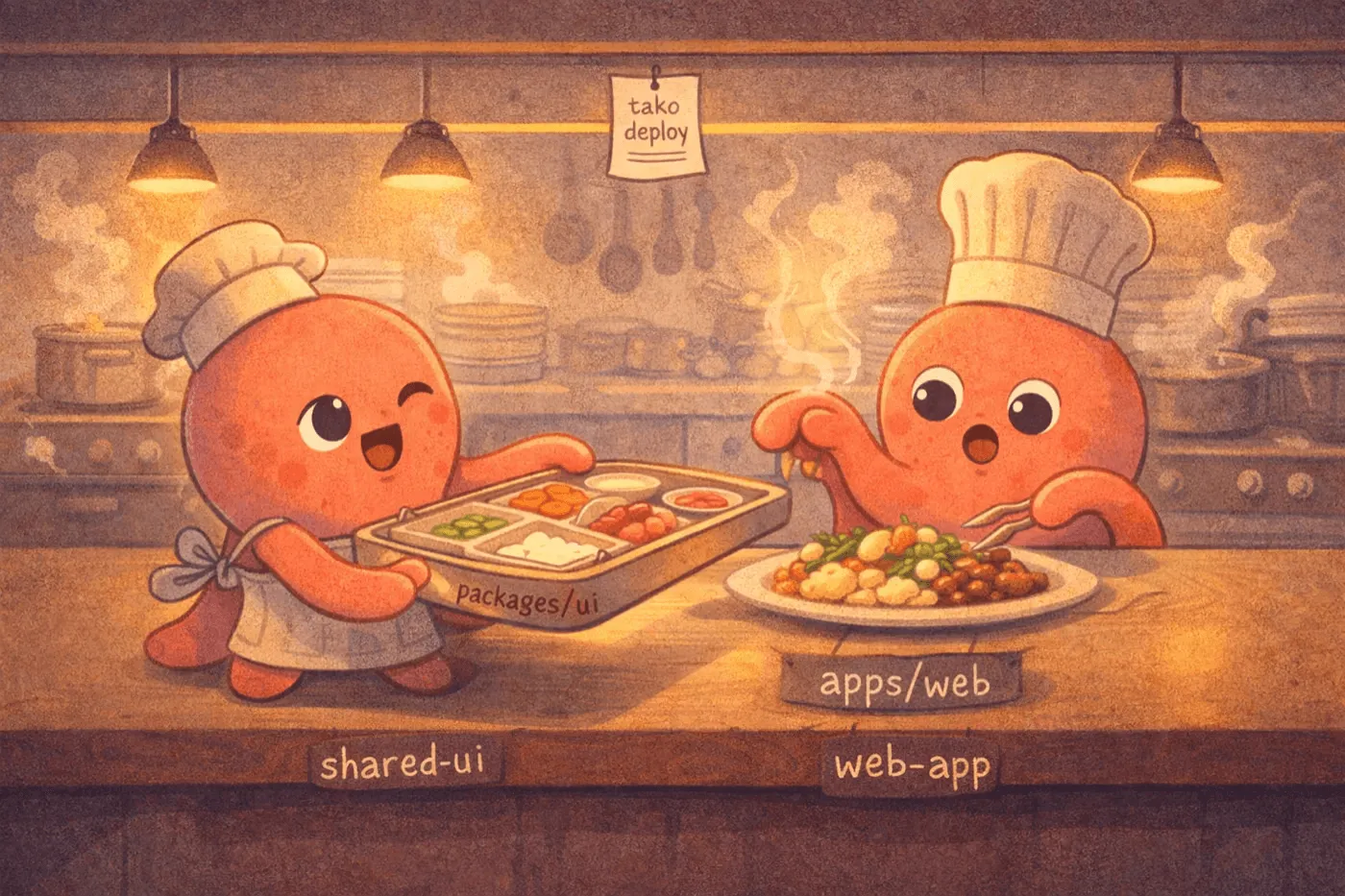
Multi-Stage Builds for Monorepos
You have a monorepo. A shared UI library in packages/ui, an API app in apps/api, a web frontend in apps/web. Everything shares types, components, maybe a design system. It works great locally.
Then you try to deploy, and the fun stops.
Most deploy tools treat your repo as a single app with a single build command. Monorepos don’t work that way. You need to build the shared library first, then the app that depends on it — in the right order, from the right directories. With tools like Kamal or Dokku, you end up writing a wrapper script or offloading the whole thing to CI. The deploy tool becomes a dumb uploader.
Tako handles this natively with [[build_stages]].
A real example
Say your monorepo looks like this:
packages/ui/        # shared component library
apps/web/           # TanStack Start frontend
  tako.toml
Your apps/web/tako.toml:
name = "web"
preset = "tanstack-start"
runtime = "bun"

[[build_stages]]
name = "shared-ui"
cwd = "../packages/ui"
install = "bun install"
run = "bun run build"
exclude = ["**/*.map"]

[[build_stages]]
name = "web-app"
install = "bun install"
run = "vinxi build"
exclude = ["**/*.map", "src/**/*.test.ts"]

[envs.production]
route = "app.example.com"
servers = ["prod"]
That’s it. Run tako deploy and both stages execute in order — shared library first, then the app. No wrapper script, no Makefile, no CI pipeline glue.
How it works

Each stage runs sequentially in declaration order. For every stage, Tako:
- Resolves the working directory (
cwdrelative to your app root —..is allowed for reaching sibling packages) - Runs
installif specified - Runs
run - Collects
excludepatterns, auto-prefixed with the stage’scwd
After all stages complete, Tako packages the artifact — respecting .gitignore, force-excluding .git/, .env*, and node_modules/ — and ships it to your servers via SFTP. The server runs a production install and starts your app with zero-downtime rolling updates.
The workspace root is guarded: cwd can go up with .. to reach sibling packages, but it can’t escape the project root. You get monorepo flexibility without security surprises.
What about caching?
Tako caches build artifacts locally under .tako/artifacts/. The cache key includes a source hash, so if nothing changed, your next deploy skips the build entirely. Cached artifacts are checksum-verified before reuse — corrupted caches are discarded and rebuilt automatically.
This means your second deploy of the same code to a different environment is near-instant. Build once, ship to staging and production from the same artifact.
Stages vs single build
[build] | [[build_stages]] | |
|---|---|---|
| Use case | Single app, one build step | Monorepo or multi-step builds |
| Working directory | One cwd | Per-stage cwd with .. traversal |
| Exclude patterns | Top-level exclude | Per-stage exclude (auto-prefixed) |
| Install step | One install | Per-stage install |
| Mutual exclusivity | Can’t combine with stages | Can’t combine with [build].run |
They’re mutually exclusive by design. If you have [[build_stages]], don’t set [build].run — Tako will tell you if you try.
No Docker, no CI, just deploy
The monorepo deploy problem exists because most tools assume “one repo = one container = one build.” Tako doesn’t use containers, so it doesn’t inherit that assumption. Your build stages run directly on your machine, in order, with full access to your monorepo’s dependency graph.
Combined with presets for framework-specific defaults and multi-server environments for routing, you get a deploy workflow that actually fits how modern TypeScript monorepos work — not how Docker wishes they worked.
Check out the full config reference or the deployment guide to get started.