
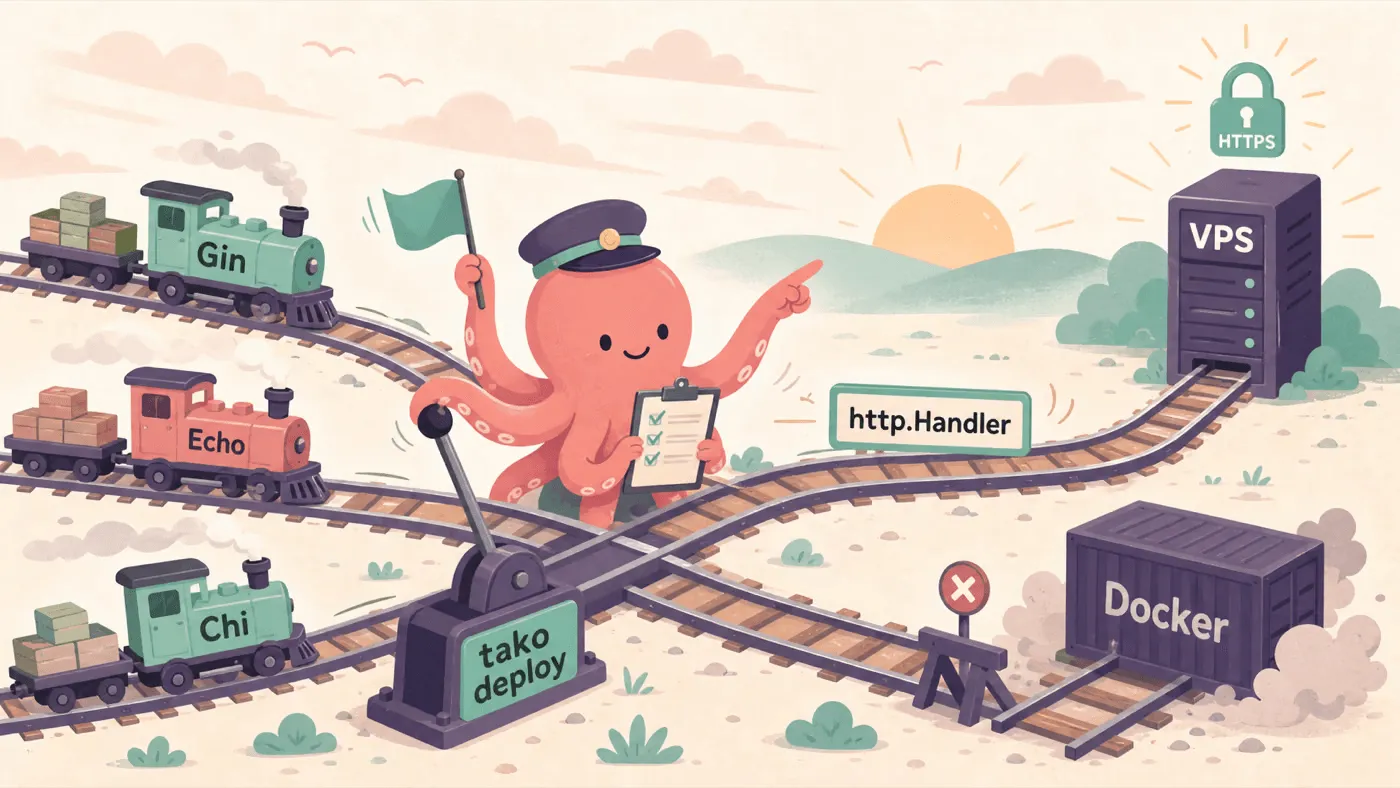
How to Deploy a Go Gin, Echo, or Chi App to a VPS Without Docker
Go web apps already have the interface Tako wants: http.Handler. Gin can be served by net/http. Echo has a server-compatible handler. Chi is proudly built around the standard library. That means the path from framework router to VPS deploy is small enough to fit in one sentence: build your router, pass it to tako.ListenAndServe, run tako deploy.
No Dockerfile. No image registry. No Nginx side quest. Just a Go binary behind Tako’s deployment layer: HTTPS, routing, readiness, health checks, rolling updates, logs, secrets, and scaling commands.
Let’s walk through Gin first, then swap the framework for Echo or Chi.
Step 1 - Build a Gin app
Start with a normal Go module:
mkdir gin-on-tako
cd gin-on-tako
go mod init example.com/gin-on-tako
go get github.com/gin-gonic/gin
go get tako.sh
Create main.go:
package main

import (
	"fmt"
	"net/http"
	"os"

	"github.com/gin-gonic/gin"
	"tako.sh"
)

func main() {
	r := gin.Default()

	r.GET("/", func(c *gin.Context) {
		c.JSON(http.StatusOK, gin.H{
			"message": "Hello from Gin on Tako",
			"pid":     os.Getpid(),
		})
	})

	r.GET("/api/health", func(c *gin.Context) {
		c.JSON(http.StatusOK, gin.H{"ok": true})
	})

	if err := tako.ListenAndServe(r); err != nil {
		fmt.Fprintf(os.Stderr, "server error: %v\n", err)
		os.Exit(1)
	}
}
The important line is the last one. In a typical Gin quickstart you would call r.Run(). On Tako, hand the router to tako.ListenAndServe(r) instead.
Gin’s engine works with the standard net/http server shape, so Tako can wrap it the same way it wraps a plain http.ServeMux. The wrapper binds the port Tako gives the process, writes readiness back to Tako, intercepts internal Host: <app>.tako status checks, and drains in-flight requests during rolling deploys.
Run it directly once if you want a local smoke test:
go run .
curl http://localhost:3000/api/health
Outside Tako, the SDK defaults to a normal local address. Under tako dev or tako deploy, Tako controls the private loopback port and the SDK reports it back when the app is actually listening.
Step 2 - Echo and Chi use the same shape
The Gin version is not special. The Go SDK is intentionally boring here: anything that implements http.Handler can be passed to tako.ListenAndServe.
| Framework | Create the router | Add a route | Serve with Tako |
|---|---|---|---|
| Gin | r := gin.Default() | r.GET("/", handler) | tako.ListenAndServe(r) |
| Echo | e := echo.New() | e.GET("/", handler) | tako.ListenAndServe(e) |
| Chi | r := chi.NewRouter() | r.Get("/", handler) | tako.ListenAndServe(r) |
For Echo:
go get github.com/labstack/echo/v4package main
import (
"fmt"
"net/http"
"os"
"github.com/labstack/echo/v4"
"github.com/labstack/echo/v4/middleware"
"tako.sh"
)
func main() {
e := echo.New()
e.Use(middleware.Logger())
e.Use(middleware.Recover())
e.GET("/", func(c echo.Context) error {
return c.JSON(http.StatusOK, map[string]any{
"message": "Hello from Echo on Tako",
"pid": os.Getpid(),
})
})
if err := tako.ListenAndServe(e); err != nil {
fmt.Fprintf(os.Stderr, "server error: %v\n", err)
os.Exit(1)
}
}For Chi:
go get github.com/go-chi/chi/v5package main
import (
"encoding/json"
"fmt"
"net/http"
"os"
"github.com/go-chi/chi/v5"
"github.com/go-chi/chi/v5/middleware"
"tako.sh"
)
func main() {
r := chi.NewRouter()
r.Use(middleware.Logger)
r.Use(middleware.Recoverer)
r.Get("/", func(w http.ResponseWriter, r *http.Request) {
w.Header().Set("Content-Type", "application/json")
json.NewEncoder(w).Encode(map[string]any{
"message": "Hello from Chi on Tako",
"pid": os.Getpid(),
})
})
if err := tako.ListenAndServe(r); err != nil {
fmt.Fprintf(os.Stderr, "server error: %v\n", err)
os.Exit(1)
}
}That’s the whole framework adapter story for these three frameworks. There is no adapter. The adapter is Go’s standard interface.
The exception to remember is Fiber, because Fiber is built on fasthttp instead of net/http. For frameworks that own their own server loop, the Go SDK exposes tako.Listener() so you can pass in a pre-bound listener. Gin, Echo, and Chi do not need that path.
Step 3 - Prepare Tako and the VPS
Install the CLI on your laptop:
curl -fsSL https://tako.sh/install.sh | shInstall tako-server on the VPS:
sudo sh -c "$(curl -fsSL https://tako.sh/install-server.sh)"The server installer sets up the service user, installs the server binary, prepares /opt/tako, and gives the proxy permission to bind ports 80 and 443. From there, tako-server owns routing, TLS certificates, process supervision, health checks, release directories, and the encrypted secrets store. The deployment docs cover the full production model.
Point DNS at the VPS before deploying:
| Thing | Example |
|---|---|
| VPS public IP | 203.0.113.10 |
| DNS record | api.example.com A 203.0.113.10 |
| Tako server name | prod |
| Tako route | api.example.com |
Register the server once:
tako servers add 203.0.113.10 --name prodThat stores the server in your global Tako config. Your project config can now refer to prod by name.
Step 4 - Add tako.toml
Run init inside the Go project:
tako initFor Go projects, init detects the runtime from go.mod and installs the tako.sh module with go get. Keep the resulting config explicit:
name = "gin-on-tako"
runtime = "go"
main = "app"

[build]
run = "CGO_ENABLED=0 go build -o app ."

[envs.production]
route = "api.example.com"
servers = ["prod"]
runtime = "go" selects Tako’s Go runtime plugin. main = "app" tells the server which binary to execute after upload. The default Go build is CGO_ENABLED=0 go build -o app ., which produces the binary named by main.
During deploy, Tako builds for Linux and injects the target GOARCH for the selected server. On the server, there is no Go runtime download and no production dependency install. The compiled binary runs directly.
This is the key difference from JavaScript frameworks: a Bun or Node app needs a runtime on the server; a Go app ships as the thing that runs.
Step 5 - Run it locally through Tako
Before the first deploy, run:
tako devFor Go, tako dev uses go run . by default. The SDK still speaks the same readiness protocol as production, so the local Tako daemon does not guess from stdout. It waits for the app to bind, receives the actual port, and serves your route through the local HTTPS proxy.
You should get a .test URL for the app, for example:
https://gin-on-tako.test/That local HTTPS path is useful for cookies, OAuth callbacks, browser APIs, and testing the same routing shape you will use in production. The development docs explain the local proxy, route activation, and LAN mode.
Step 6 - Deploy the binary
Now run:
tako deployOn the first deploy, Tako builds the Go binary, uploads a release artifact over SFTP, extracts it on the VPS, starts the new app instance, waits for SDK readiness, probes the internal status endpoint, and then routes traffic through Pingora on port 443.

Open:
curl https://api.example.com/api/healthThe app is now a native Go process on your VPS, managed by Tako. Future deploys are rolling updates: start a new instance, wait for it to become healthy, add it to the load balancer, drain an old instance, and move the release pointer. If the new binary cannot start, the old release keeps serving.
What Tako adds around your Go app
The code stays normal Go. Tako handles the deployment chores around it:
| Usual VPS chore | What happens with Tako |
|---|---|
Write a Dockerfile | Skip it; deploy the compiled Go binary |
| Push an image registry artifact | Skip it; Tako uploads a compressed release artifact over SFTP |
| Configure Nginx and Certbot | Skip it; tako-server handles HTTPS routing and certificates |
| Poll logs over SSH | Use tako logs |
Copy .env files | Use tako secrets and typed Go accessors from tako generate |
| Restart processes by hand | Deploys and scaling commands manage instances |
If you want to see complete working versions, the Tako GitHub repo includes Gin, Echo, Chi, and plain net/http examples. The Go SDK launch post goes deeper on secrets, metadata helpers, channels, and why http.Handler is the right interface.
Start with one router and one VPS. When the app grows, add more routes, secrets, environments, or servers in tako.toml. The deployment command stays the same: tako deploy.